Nathan's Portfolio
ArtStation

Independent creative developer

WE SHALL BUILD WORLDS.

The first page is the entry point. Choose 3D design, game design, or tools to open a dedicated horizontal section.

3D design

Finished worlds, props, and motion.

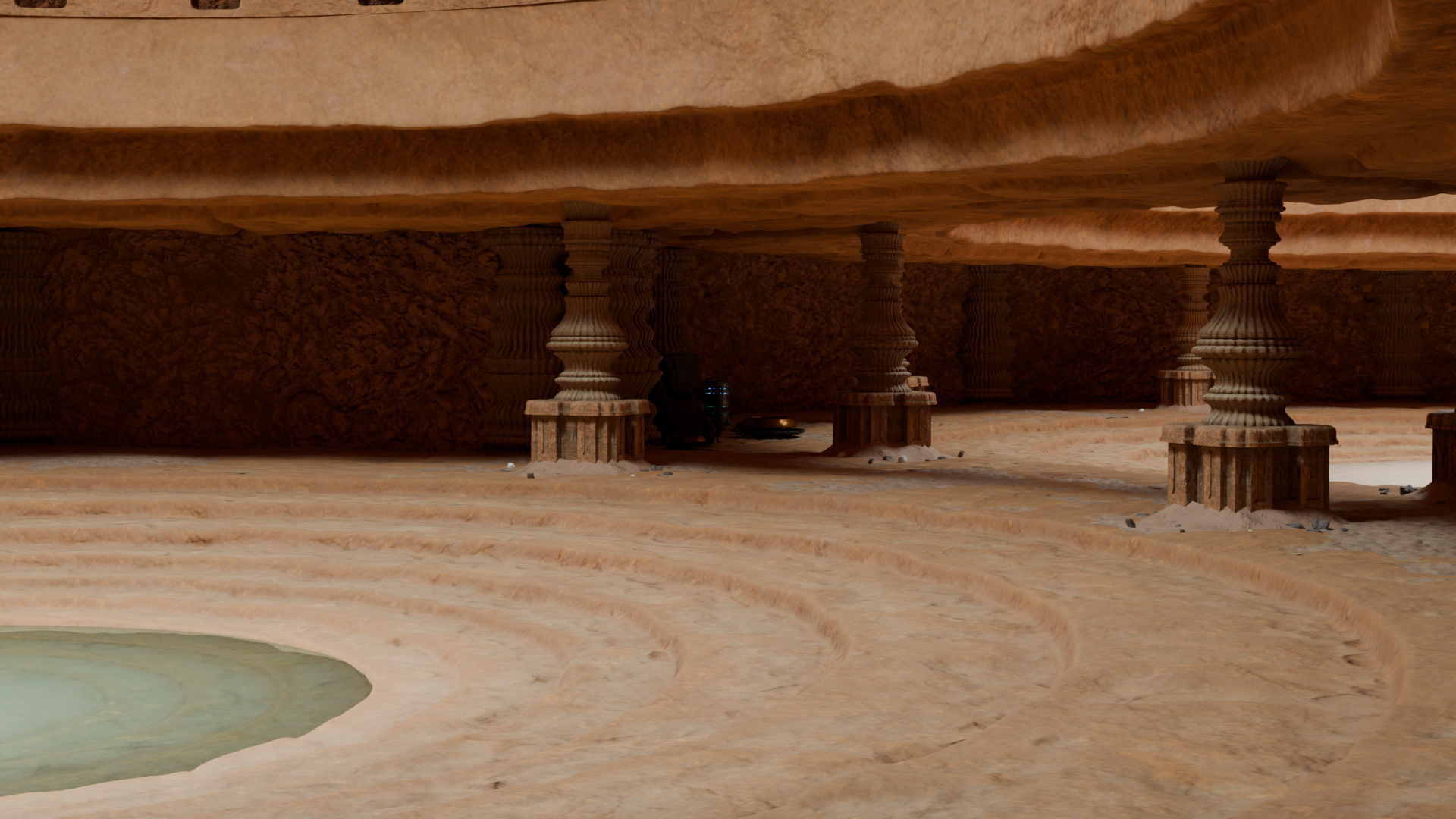
The 3D lane opens into the full project reel: renders, scene stacks, detail shots, and animation clips pulled into Nathan's own portfolio pages.

Render Scene Stacks

Each project opens as its own vertical breakdown with local images and video.

Motion Animation Clips

Selected ArtStation videos are embedded locally for faster playback.

Craft 3D Focus

Environment, prop, character, hard-surface, and cinematic presentation work.
Game design

Systems before spectacle.

This lane is reserved for game-design work: mechanics, maps, encounters, UI flows, and prototype notes. The content is placeholder for now so the structure is ready before the final assets and text arrive.

01 Prototype Loop

Placeholder for the core player loop, moment-to-moment goals, and what the player is learning.

02 Level Flow

Placeholder for blockouts, routes, pacing beats, and encounter spacing.

03 Systems

Placeholder for mechanics, rules, progression, pickups, and player feedback.

04 Presentation

Placeholder for UI direction, mood boards, player prompts, and playable demo notes.

Game systems

Prototype loop.

Placeholder page for the core loop, player verbs, win and fail states, and the reason each interaction belongs in the design.

Level design

Maps and pacing.

Placeholder page for level layouts, progression routes, encounter rhythm, onboarding beats, and moment-to-moment navigation.

Presentation

Interface and feedback.

Placeholder page for HUD ideas, prompts, feedback timing, menus, mood boards, and playtest notes.

Tools / Technical

Systems behind the worlds.

This lane is for the tools, plugins, and technical systems Nathan builds to make creative work faster, safer, and easier to control.

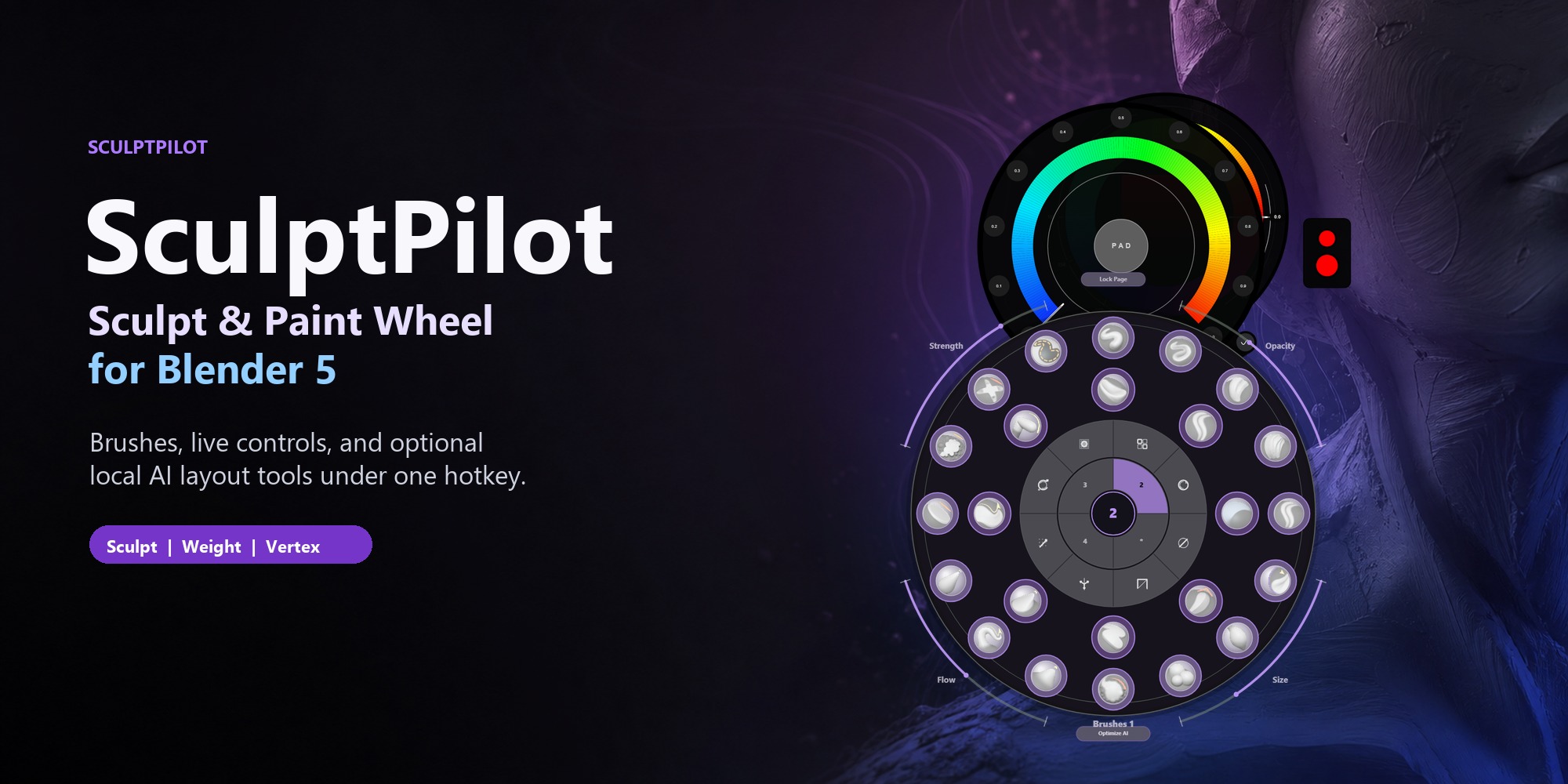
SculptPilot Wheel interface in Blender

Blender addon / 01

SculptPilot Wheel.

A radial sculpting HUD for Blender that keeps brush selection, sculpt tools, live controls, workspace shortcuts, and AutoPilot activity in one focused viewport workflow.

Blender / local-first / shipped

Unreal editor plugin / 02

ClaudePilot.

An Unreal Engine plugin that coordinates Claude, Codex, and other MCP-capable clients around live editor context, tool calls, checklists, and verified outcomes.

Unreal / MCP / experimental

Blender extension / 03

Blender Agent Bridge.

A local MCP bridge between Blender and external AI clients for scene inspection, visual evidence, reversible preview edits, asset workflows, and trusted execution.

Blender / MCP / open source

Technical practice

Build the layer behind the image.

Tools are part of the portfolio: the interfaces, bridges, and editor systems that turn creative intent into repeatable work.